It has now officially been one week that I have been on summer break. Yet, with the exception of the long weekend, I have not yet had a day off.
As I was sitting in my 2nd professional development of the week yesterday, I noticed the instructor using a pretty cool app on her iPad. It got my attention so much that I had to raise my hand and ask what it was. This app is for the teacher and it is something I do every year for my classes.
Curious yet?
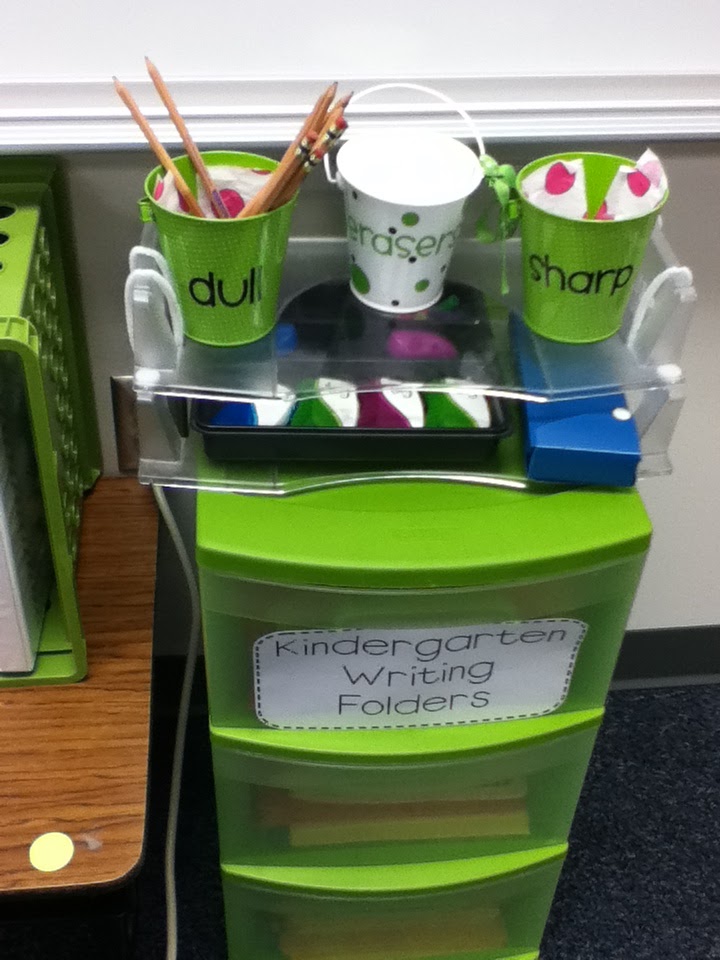
From this to................................................................................this.
Ok it is not as cute but there are so many additional, fabulous features that I think I can live without the cute factor.
First thing you do is create your class, and class roster.
Once you type in your student name you will have an option to decide what kind of questioning for that student. I love that it has Higher level questioning, ELL questioning or none.
It goes even deeper because you get to differentiate within that type of questioning too.
Once your class is done you will get a can with sticks. To choose a stick, you can tap, swipe or shake the can.
Then you see this! The student name, several options of questioning prompts, and you also get the option to reset the stick in the can or make it used.

It is like magic!
I have multiple grades and classes within those grades and I am loving that I will not have to keep track of those stick, just toggle between the classes I the app. On the same note, when a student leaves or a new student joins my class all I have to do is add them to my roster. Less than 5 minutes, can't beat that!
I mean there is so much you can do with this app, I haven't even scratched the surface. Here is part of the write up...
Pick a student at random just by giving your device a shake or tapping
the screen -- but that’s just the beginning. Stick Pick suggests
question starters for learners at different levels and also records how
well students respond during classroom discussions. If a student is
consistently scoring near the top or bottom, simply change the level so
students aren't bored or frustrated. Depending on students' levels of
English proficiency, they might be asked simple yes-or-no questions or
to elaborate in longer sentences.
-----------------------------------------------
DIFFERENTIATE INSTRUCTION
-----------------------------------------------
Stick
Pick is the first app of its kind to uniquely link question stems to
the cognitive or linguistic needs of each individual learner. Teachers
can have multiple soup cans (classes) filled with sticks (students).
During setup, teachers choose a category of question stems they wish to
focus on for each learner. Questions can be based on Bloom's Taxonomy,
English as a second language skills, and degree of difficulty can be
chosen for each learner.
-----------------------------------------------
TRACK FORMATIVE ASSESSMENT
-----------------------------------------------
Formative
assessment is easy to track because teachers can tap a corresponding
correct, incorrect, or opinion button based on the student's answer.
Teachers can also rate each student's answer by selecting 0-5 on a
critical thinking rubric (Bloom's) or an elaboration rubric (for English
as a second language).
And soooo much more.
Can't wait to get it all set up for my classes.
Click below to link up.